

HubSpot CRM in 2026 is not the tool it was when this guide was first published in 2020. Back then, getting started meant three things: create an account, install the sales extension, import your contacts. Today you're standing up a full Smart CRM with an AI layer - Breeze - woven through every hub, and the choices you make in the first week decide whether the system becomes your team's single source of truth or another tab nobody opens.
The good news: a clean setup is still very achievable in a few focused days, if you do things in the right order. This is that order - the same launch path we use at IV-Lead when we stand up portals for B2B teams, condensed from 150+ implementations into eight steps, each with a real-world example of what it looks like done well.
Step 1: What should HubSpot actually fix for you?
Most failed CRM rollouts fail on day zero, before a single setting is touched - because nobody wrote down what "working" means. A CRM that's configured to do everything ends up doing nothing in particular. So before you open the settings menu, answer one question in writing: what are the two or three outcomes this system must produce in 90 days?
A worked example: a 30-person industrial-tech company we onboarded defined exactly three: (1) every inbound lead gets a first touch within 24 hours, (2) the weekly pipeline review runs off one dashboard instead of three spreadsheets, (3) marketing can finally see which campaigns produce deals, not just clicks. Every configuration decision below - which properties to import, which automations to build first - became easy to settle, because each one either served those three outcomes or got deferred.
Step 2: Which fundamentals must be in place before anything else?
Three pieces of plumbing, in this order:
- Users, teams, and permissions. Add your team and assign permission sets now, not after go-live. In 2026 this matters twice over: HubSpot's Breeze AI inherits your permission model, so an agent answering a rep's question only "sees" the records that rep is allowed to see. Sloppy permissions today become a confused AI tomorrow. A practical pattern for a small B2B team: one Super Admin (ops or founder), a Sales seat with edit rights scoped to owned records, and a read-only seat for finance.
- Domain and email authentication. Connect your sending domain and set up SPF, DKIM, and DMARC before any email leaves the system. Skipping this is the classic reason "our HubSpot emails go to spam" tickets exist - and it takes fifteen minutes with your DNS provider.
- Tracking and channels. Install the HubSpot tracking code on your website (if it isn't HubSpot-hosted), and connect ad accounts and social profiles, so attribution starts accumulating from day one. You can't retroactively track the visitors you didn't tag.
Step 3: Why does data cleaning come before importing - and what does "clean" mean?
The single biggest predictor of CRM success is the state of the data on day one, because every workflow, report, and AI feature you build later sits on top of it. "Clean" means four concrete things: deduplicated (one record per human, one per company), standardized (phone formats, country names, lifecycle definitions), mapped (every spreadsheet column matched to a HubSpot property - and the columns nobody can explain, dropped), and owned (someone is accountable for each dataset).
A worked example: say you're migrating 8,000 contacts from an old CRM and a marketing tool. Don't import 8,000 rows on Friday afternoon. Import 50 first. Open ten of them and check the things that silently break: are contacts associated with the right companies? Did deal close dates survive the timezone conversion? Do Israeli phone numbers still have their country code? Only when the test batch passes do you load the rest in increments - then run HubSpot's duplicate-management tool to catch what slipped through. The teams that skip the 50-row test are the ones who spend month two un-merging records.
Step 4: How do you build a pipeline your sales team will actually use?
Define your deal stages with the people who live in them - a pipeline designed in a boardroom gets ignored in the field. Two rules we enforce on every implementation:
- 5-7 stages, maximum. Every stage past seven is a place for deals to hide.
- Every stage is a verifiable fact, not a feeling. "Demo completed" can be checked. "Interested" cannot. Facts make forecasts; feelings make arguments.
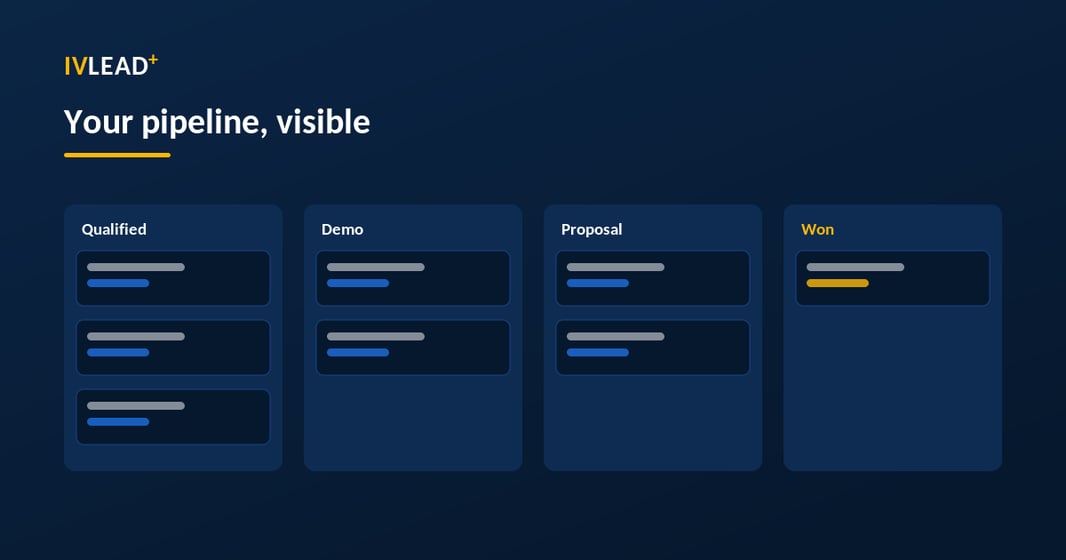
A worked example - the five-stage pipeline we deploy most often for B2B service companies: Discovery booked → Discovery done → Demo/scoping done → Proposal sent → Negotiation. The exit criterion for "Proposal sent" is literally the proposal document attached to the deal record. When a stage's criterion is a fact, your Monday pipeline review stops being a debate about optimism and becomes a list of next actions.
Step 5: What makes reps actually live in the CRM?
Adoption is won or lost here, not in training sessions. The goal is simple to state and transformative in practice: a rep's entire day should happen inside the CRM without copy-paste. Connect each rep's inbox and calendar so emails, meetings, and calls log themselves against the right contact. Set up personal meeting links so prospects book straight into calendars. Build shared snippets for the answers reps type five times a week - pricing ranges, security overviews, onboarding timelines.
The test we use: shadow one rep for one morning. Every time they leave HubSpot to do their job - to find a phone number, to check an old quote, to copy an address - that's a setup gap with a name. Close those gaps and adoption stops being a management push; the tool is simply where the work is.
Step 6: Which automations should you build first (and which should wait)?
Automate the boring, unambiguous work first; leave the clever stuff for month two.
- Lifecycle stages by workflow, never by memory. A contact who submits your demo form becomes an MQL automatically; an MQL with a booked meeting becomes an SQL. If lifecycle stages are updated by hand, they aren't updated - and every funnel report downstream is fiction.
- Lead routing before launch. Round-robin, by territory, or by company size - the rule matters less than its existence. Example: one client routed inbound leads to "whoever sees it first" - which in practice meant their fastest-clicking rep collected 70% of leads while two others starved. A simple round-robin with a 4-hour SLA fixed both the fairness problem and the response time in one move.
- Stall alarms. A task auto-created when a deal sits in a stage past its SLA - say, 14 days in "Proposal sent" - turns your pipeline from a photo into an alarm system.
Step 7: How should you roll out Breeze AI without burning the team?
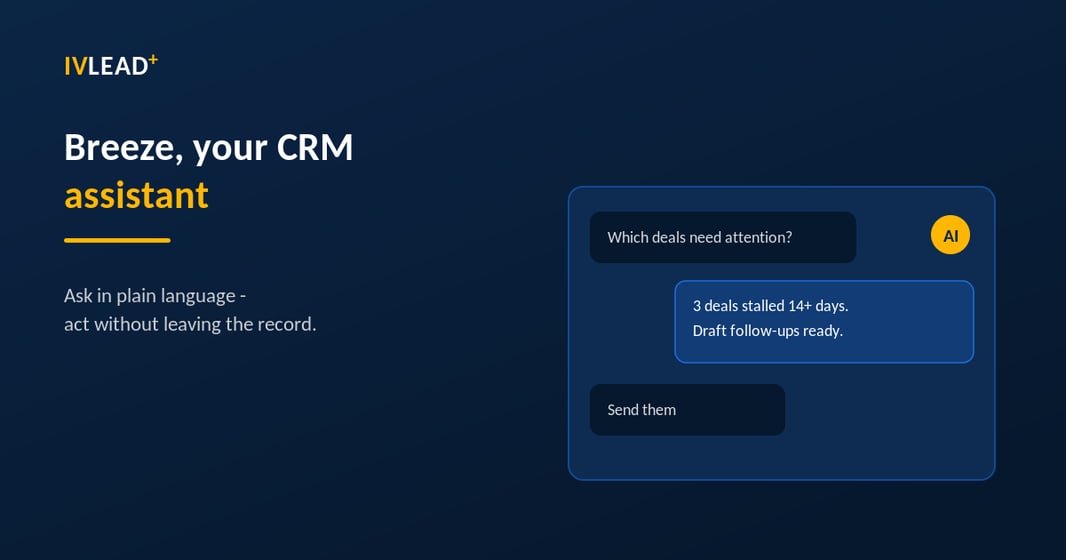
This step didn't exist when this article was first written - and in 2026 it's where the leverage is. Breeze is HubSpot's AI layer across the whole platform: Breeze Assistant, the in-app companion included with HubSpot seats; Breeze Agents - Customer, Prospecting, and Data agents now in general availability - which work autonomously on credits; and Breeze Studio for building custom agents. Since January 2026, agents can even be triggered from inside workflows by CRM events like a deal changing stage.
The rollout pattern that works is assist first, then agentic. Let the team build the habit with Breeze Assistant on everyday jobs - "Prep me for my 2pm with Atlas Logistics: open deals, recent emails, likely objections" or "Draft a follow-up referencing the integration questions from yesterday's call." Once the team trusts the assistant, pilot one agent with a measurable job: Customer Agent answering inbound chat from your knowledge base, or Data Agent enriching new signups. Measure for a month, then expand.
And remember the dependency chain from Steps 2-3: Breeze inherits your permissions and reads your data. AI on top of dirty data doesn't fix the data - it produces confident nonsense, faster.
Step 8: What does a launch week (and the 90 days after) look like?
Train by role, not by feature tour: reps learn deal management and logging, marketers learn lists and campaigns, managers learn the dashboards that replace their spreadsheets. Give everyone a sandbox to practice in before go-live. Then pick a quiet week, declare HubSpot the single source of truth, and have the project owner on standby in a dedicated channel - the first three days of questions decide the tool's reputation internally.
Finally, put two reviews in the calendar before launch day: at day 30, check login frequency, data completeness, and whether lifecycle automation is firing correctly; at day 90, look at pipeline velocity and forecast accuracy against the goals you wrote in Step 1. The system that goes live is the worst version it will ever be - the reviews are where it starts compounding.
What are the five mistakes we fix most often?
- Importing everything on day one, deduplicating never.
- Ten-stage pipelines that mirror an org chart instead of a sales process.
- Lifecycle stages updated by hand (i.e., not updated).
- Turning on AI agents before permissions and data are ready.
- Treating go-live as the finish line - the reviews at day 30 and 90 are where the value compounds.
When is it worth bringing in a partner?
A single-team setup on one hub is a do-it-yourself job with this checklist. Where implementations genuinely earn professional help: migrations from a legacy CRM with years of history, multi-team portals with shared pipelines, integrations with systems like Priority ERP, Dynamics, or WooCommerce, and revenue reporting that finance will sign off on. That's the work IV-Lead does daily as a HubSpot Solutions Partner - and it starts free, with a 2-minute maturity assessment or a 30-minute portal audit where we look at your setup together and tell you straight what we'd fix first.
Frequently asked questions
How long does HubSpot CRM setup take?
A focused single-hub setup takes about 30 days including training; multi-team rollouts run closer to 60; complex multi-hub deployments with custom integrations can reach 90. The calendar time is mostly people and process - the technical configuration is days, not weeks.
Is HubSpot CRM still free to start?
Yes - the free CRM remains the entry point, and Breeze Assistant is included with HubSpot seats. Autonomous Breeze agents draw on HubSpot Credits, so budget for usage if you plan to deploy them.
What should I set up first in HubSpot?
Permissions, domain authentication, and clean data - in that order. Everything else, including every AI feature, builds on those three.
Can AI really run parts of my CRM now?
Parts, yes: qualified inbound chat, data enrichment, and prospecting research are in general availability. The teams succeeding with agents in 2026 are the ones that treated AI as a teammate to onboard - with permissions, clean data, and a pilot scope - not a switch to flip.