


In the right hands, HubSpot remains one of the most powerful growth platforms on the market. But as HubSpot has expanded - adding more tools, automation options, data sources, and AI-assisted capabilities - portals can quickly become bloated, inconsistent, or misaligned with real business goals.
Inbound success still depends on data clarity. When that data is fragmented, outdated, or poorly structured, performance suffers quietly: conversion rates drop, sales teams lose trust in the CRM, automation breaks, and reporting becomes unreliable.
That’s why regular HubSpot portal audits are no longer optional - they’re essential.
A modern audit isn’t just about “checking settings.” It’s about ensuring the portal reflects:
-
The current business model
-
The full customer lifecycle
-
How marketing, sales, and service actually operate today
Before auditing any portal, it’s critical to understand:
-
The company’s industry and GTM motion
-
Primary objectives (awareness, demand gen, expansion, retention)
-
Historical performance benchmarks
-
Where growth friction exists right now
Only then does a HubSpot audit deliver real value.
A Comprehensive HubSpot Portal Audit Framework
1. Account Setup & Subscriptions
Start with the foundation.
-
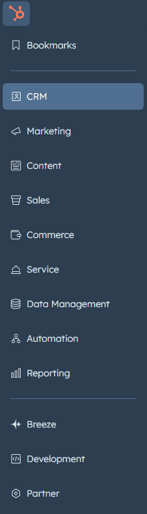
Review Account > Products & Subscriptions
-
Confirm which Hubs and tiers are active
-
Validate that teams are actually using the tools they’re paying for
-
Identify unused or underutilized features creating unnecessary complexity
Misaligned subscriptions often lead to either overengineering—or missed opportunities.
2. Analytics & Tracking Integrity
Analytics is still the fastest way to surface red flags.
-
Review Traffic Analytics for source distribution and trends
-
Validate session-to-contact conversion rates
-
Ensure contacts-to-customers are properly tracked
(Zero or near-zero customer data usually indicates broken attribution or CRM usage gaps)
Then review:
-
Top entry pages
-
Top viewed pages
-
Drop-off points
Ask a simple question: Are high-traffic pages designed to convert - or just to inform?
3. Website & Conversion Optimization
For high-performing pages:
-
Are CTAs present and relevant?
-
Are offers aligned with buyer intent?
-
Are pop-ups, embedded forms, or smart CTAs being used intentionally?
In 2026, conversion optimization is less about volume and more about context and relevance.
4. Data Model & Properties Health
A common long-term risk in mature portals.
-
Review custom properties created outside of HubSpot defaults
-
Validate naming conventions, usage, and redundancy
-
Remove unused or conflicting properties
-
Review lead scoring attributes and logic
Clean data is the backbone of automation, reporting, and AI-assisted insights.
Core Hub Areas Audit
Contacts
-
Total contact volume vs. active database health
-
Presence of saved views for sales and marketing
-
Clear lifecycle stage definitions and usage
Lists
-
Active lists used for segmentation and automation
-
Logical criteria aligned with buyer behavior
-
Avoid list sprawl and outdated logic
Conversations
-
Live chat and chatbot usage
-
Alignment with sales and support availability
-
Lead routing and follow-up logic
Snippets & Templates
-
Adoption by sales teams
-
Relevance to current messaging
-
Consistency with brand voice
Marketing Hub Audit
Ads
-
Active campaigns and integrations
-
ROI visibility
-
Alignment between ad messaging and landing pages
-
Recent sending activity
-
Performance trends (opens, clicks, engagement)
-
Email health indicators
-
Mix of email types (nurture, product, lifecycle-based)
Social
-
Use of HubSpot social tools vs. external platforms
-
Consistency and performance tracking
Landing Pages
-
Coverage across funnel stages
-
Clear value propositions
-
Conversion-focused design
-
Performance by lifecycle stage
Blog & Content
-
Publishing consistency
-
Content relevance to ICP and funnel stage
-
Performance trends over time
Lead Capture Infrastructure
CTAs
-
Active usage in the last 30 days
-
Mix of standard, graphic, and smart CTAs
-
Contextual relevance
Forms
-
Active embedded and pop-up forms
-
Form length vs. conversion intent
-
Progressive profiling usage
Planning & Strategy Tools
Calendar
-
Adoption for content and campaign planning
-
Integration with external workflows if not used
Campaigns
-
Proper asset association
-
Campaign analytics review
-
Clear visibility into ROI and influence
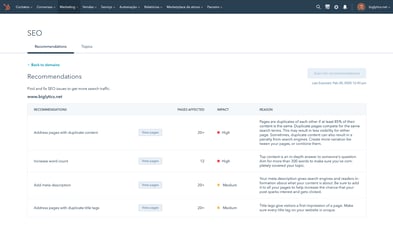
SEO & Search Performance
-
Google Search Console integration
-
Topic cluster structure
-
Logical pillar-to-subtopic relationships
-
Performance comparison across clusters
Sales Hub Audit
Deals
-
CRM adoption by sales
-
Deal creation consistency
-
Custom deal properties
-
Deal stages based on buyer actions
-
Pipeline structure (single vs. multiple pipelines)
Tasks
-
Usage consistency
-
Task queues and prioritization
Documents & Meetings
-
Centralized sales assets
-
Meeting link adoption
-
Tracking usage and engagement
Playbooks & Quotes (Pro+)
-
Availability
-
Actual usage by reps
-
Alignment with sales process
Service Hub Audit
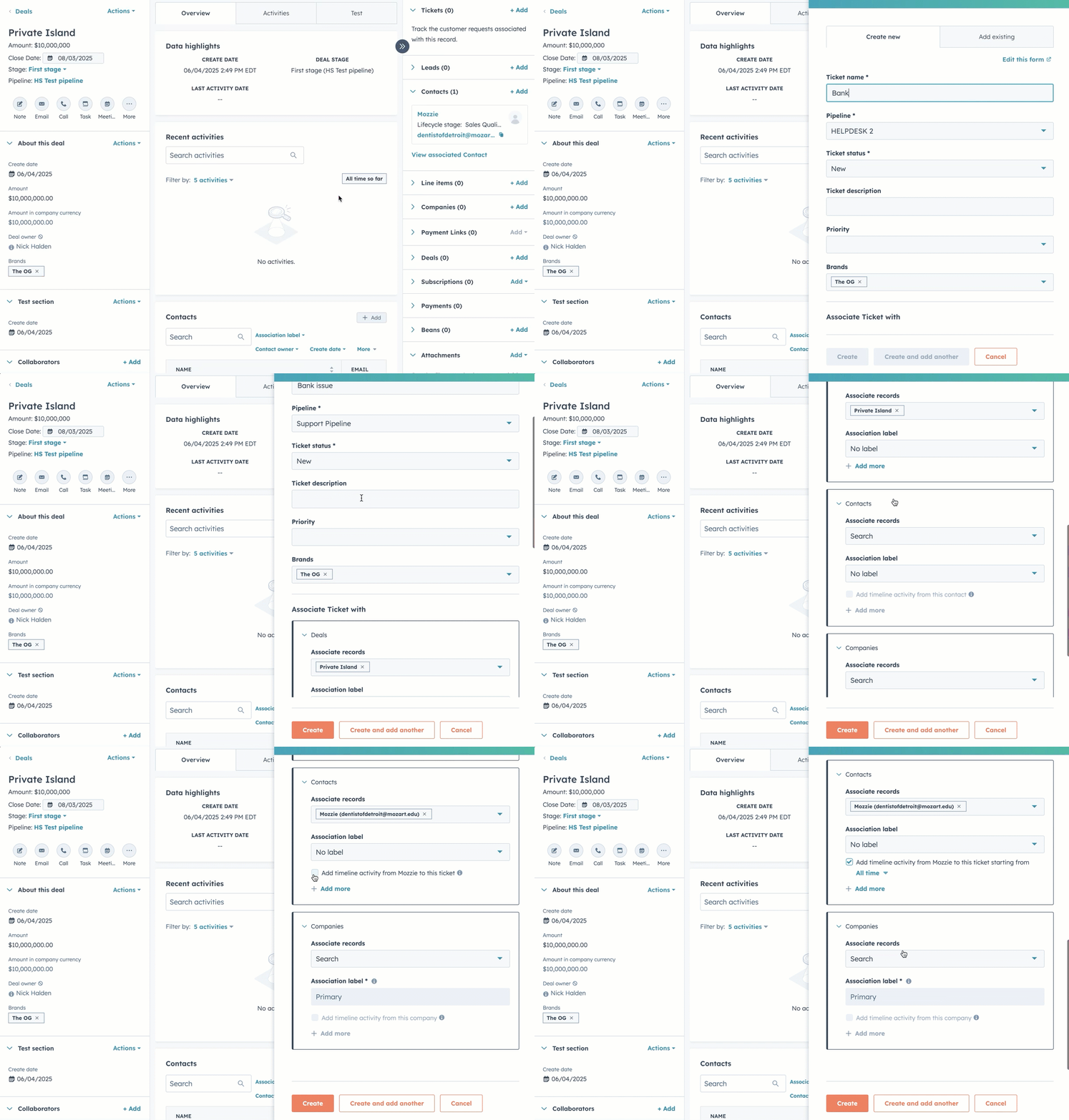
Tickets
-
Ticket pipeline structure
-
Defined post-sale workflows
-
Ownership and SLA clarity
Feedback Surveys (Pro+)
-
Recent responses
-
Closed-loop follow-up processes
Knowledge Base (Pro+)
-
Article usage and traffic
-
Content maintenance process
-
Self-service effectiveness
Automation & Operations
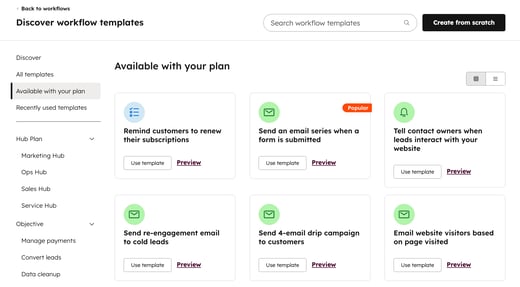
Workflows
-
Internal process automation
-
Lead nurturing logic
-
Goal tracking
-
Deal- and ticket-based automation where applicable
Sequences
-
Active sequences
-
Performance metrics
-
Alignment with buyer journey stages
Reporting & Dashboards
-
Review all standard analytics
-
Custom dashboards for each team
-
Scheduled dashboard delivery
-
Custom reports supporting real decision-making
A strong portal doesn’t just collect data - it answers questions clearly